Features
Everything for professional digital signage
From a single screen at the checkout to hundreds of screens across locations: TB-cast grows with you. Here's what each module does.
Screen management
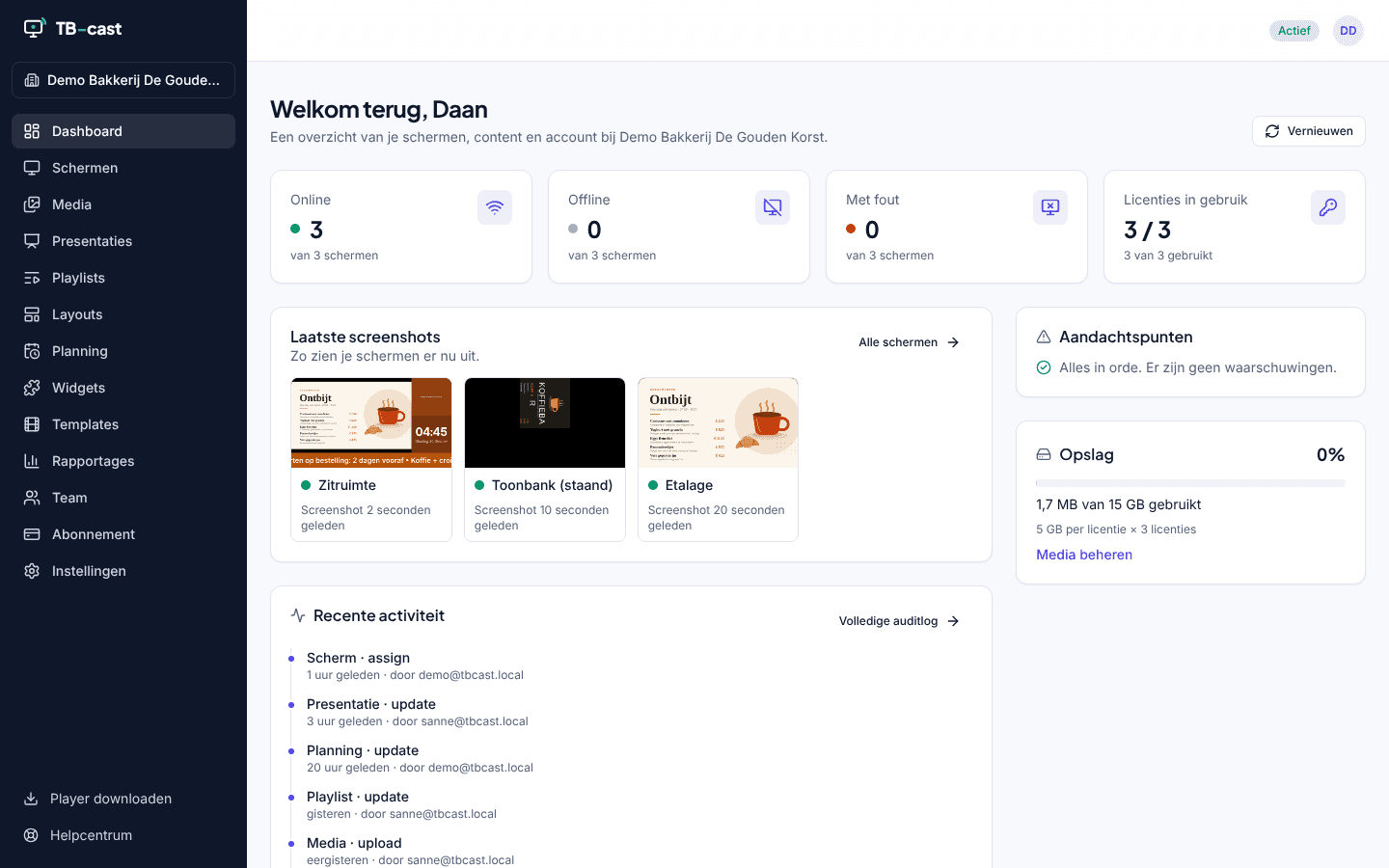
All your screens in one overview, wherever they are.
- Pair with a six-character code or a QR code
- Live status: online, offline, last seen and current content
- Remote screenshots to check what's playing
- Restart, clear cache, display on/off and updates remotely
- Groups and tags by location, floor or department
- Email alert when a screen has been offline for more than 15 minutes
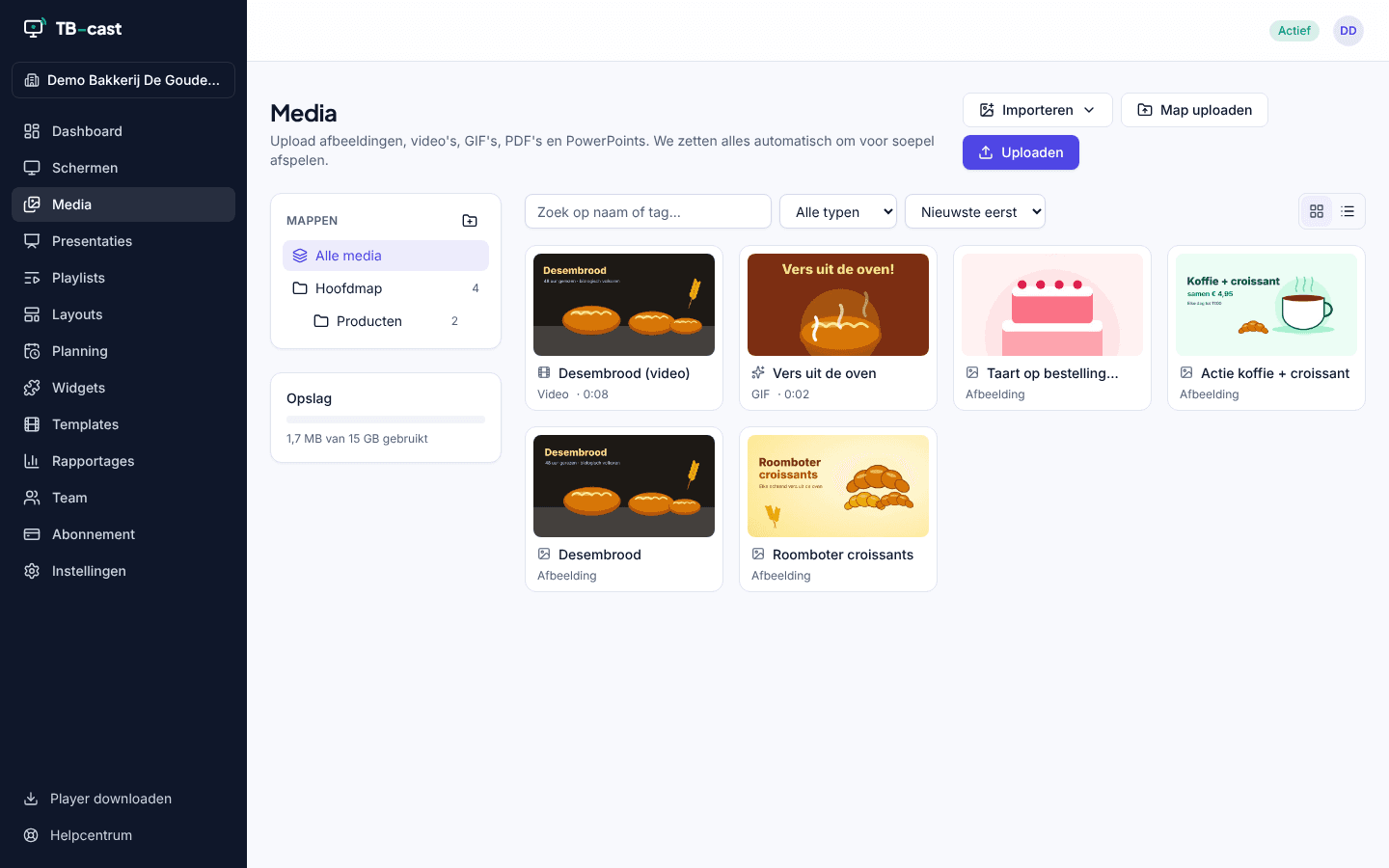
Media library
Upload images, videos and PDFs — we make sure they play smoothly everywhere.
- Drag and drop, including large videos up to 2 GB
- Automatic conversion and thumbnails
- Folders, labels and search
- PDFs are automatically turned into slides
- Storage per screen included
Presentation editor
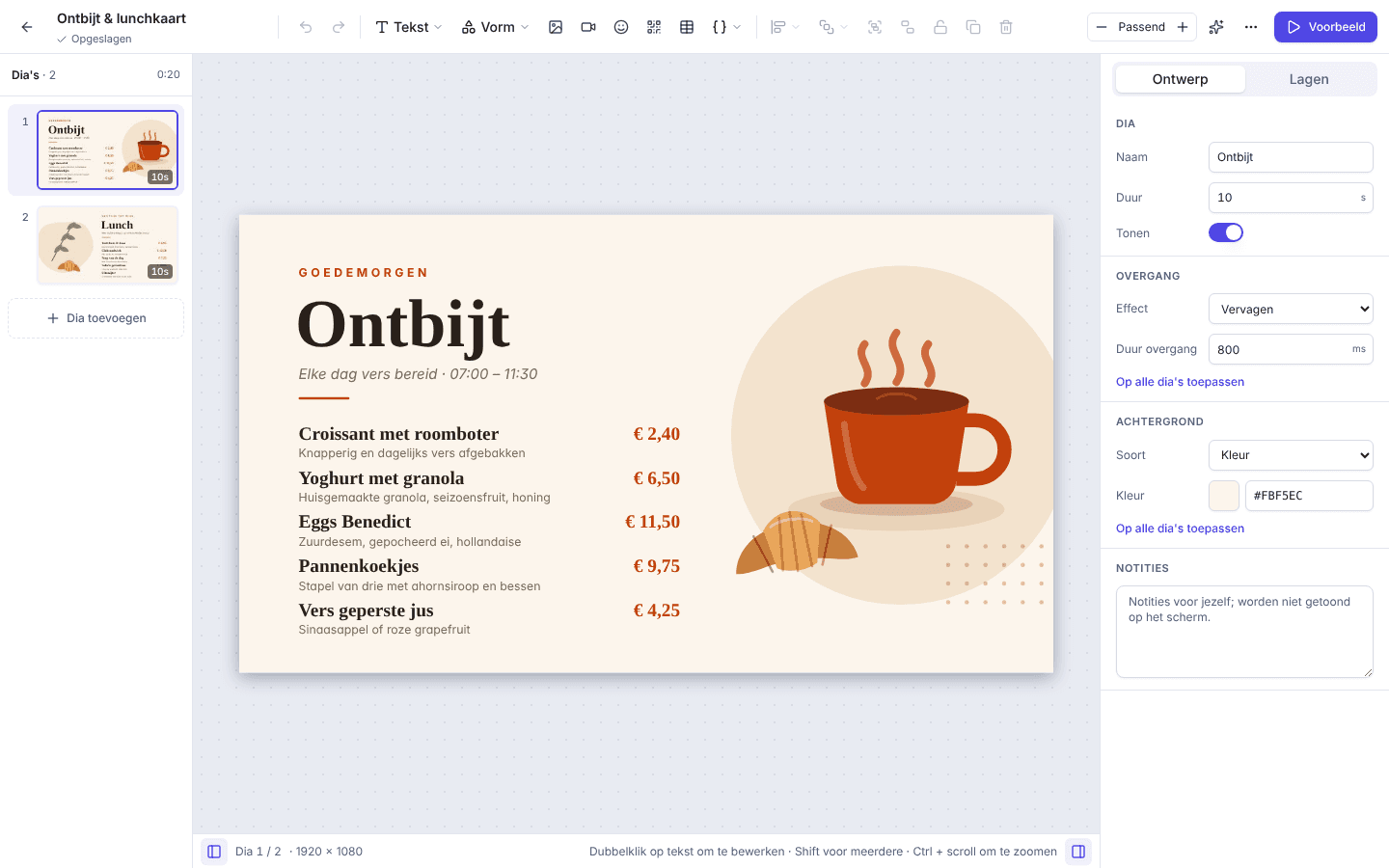
Design slides in your browser, as easily as in a presentation app.
- Text, images, video, shapes and widgets on a free canvas
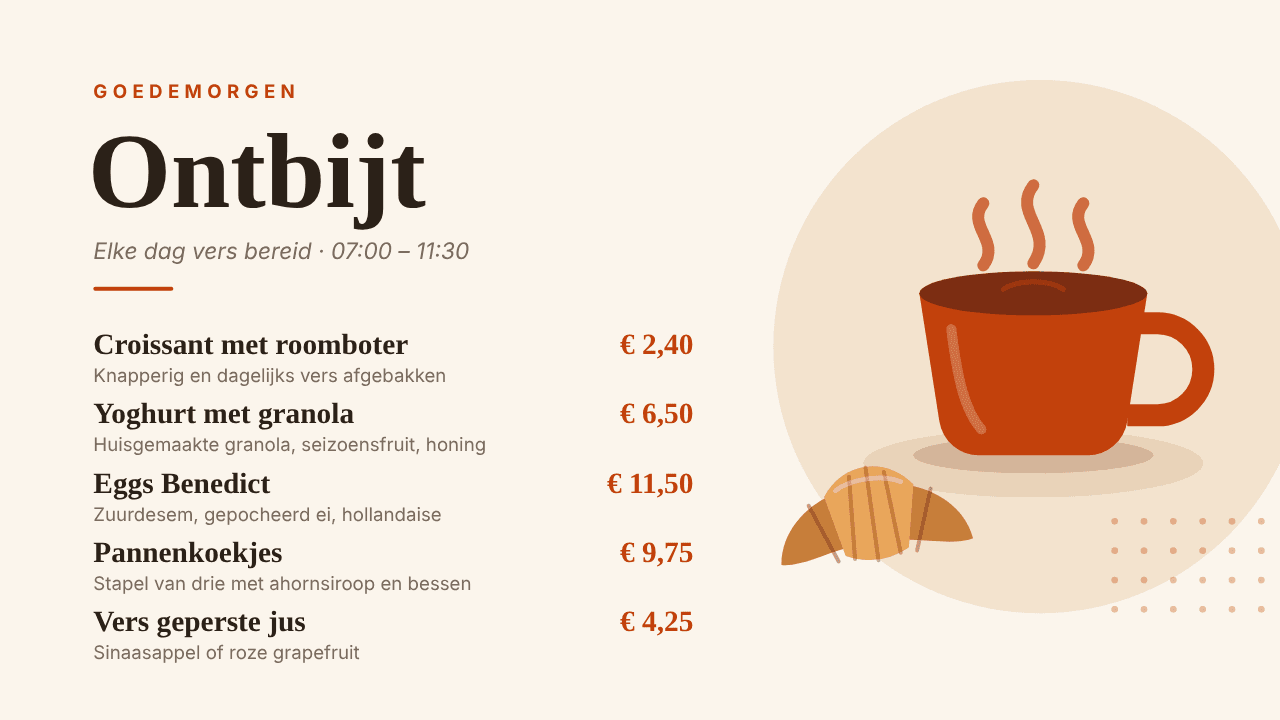
- Templates for menu boards, announcements and waiting rooms
- Brand kit: your own fonts, colours and logo
- Transitions and per-element animations
- Dynamic fields such as date, time and screen name
- Landscape, portrait or a custom size
Playlists & layouts
Combine content into a smooth programme and make the most of your screen.
- Playlists with per-item duration and drag-to-reorder
- Multi-zone layouts: main area, sidebar, ticker
- One playlist on dozens of screens at once
- Preview before you publish
Widgets
Live information that keeps itself up to date.
- Clock, date and countdowns
- Weather by location and public holidays
- RSS news and tickers
- QR codes, web pages and dashboards
- YouTube, Vimeo and Google Slides
- Queue numbers, menus and tables from spreadsheets
Scheduling & emergency messages
The right message at the right time — and step in instantly when needed.
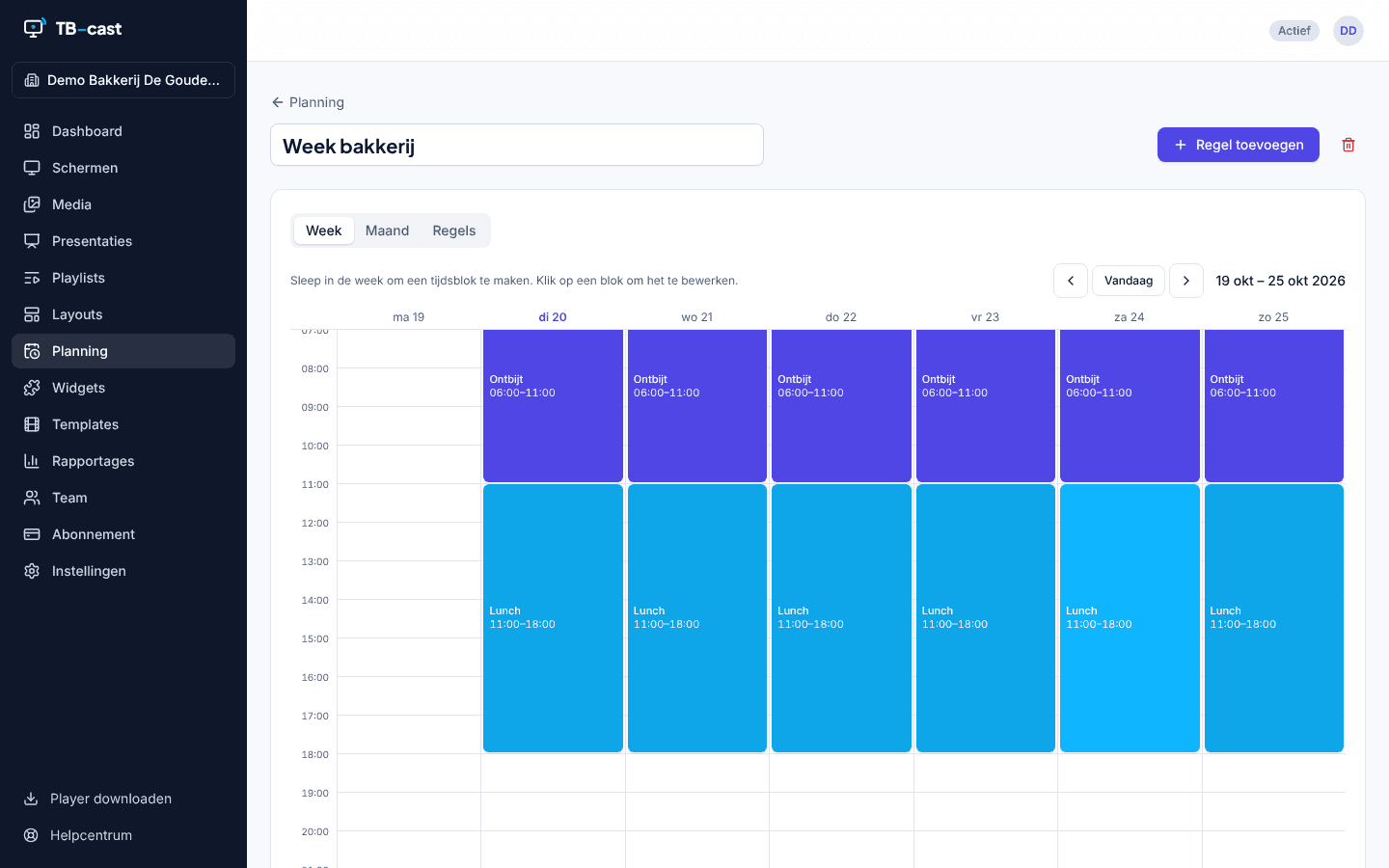
- Schedule by day, time, date range and daypart
- Priorities for overlaps, visible in a calendar view
- Time zones per screen
- Emergency message: one click to all or selected screens
- Emergency messages always take priority and stop when you say so
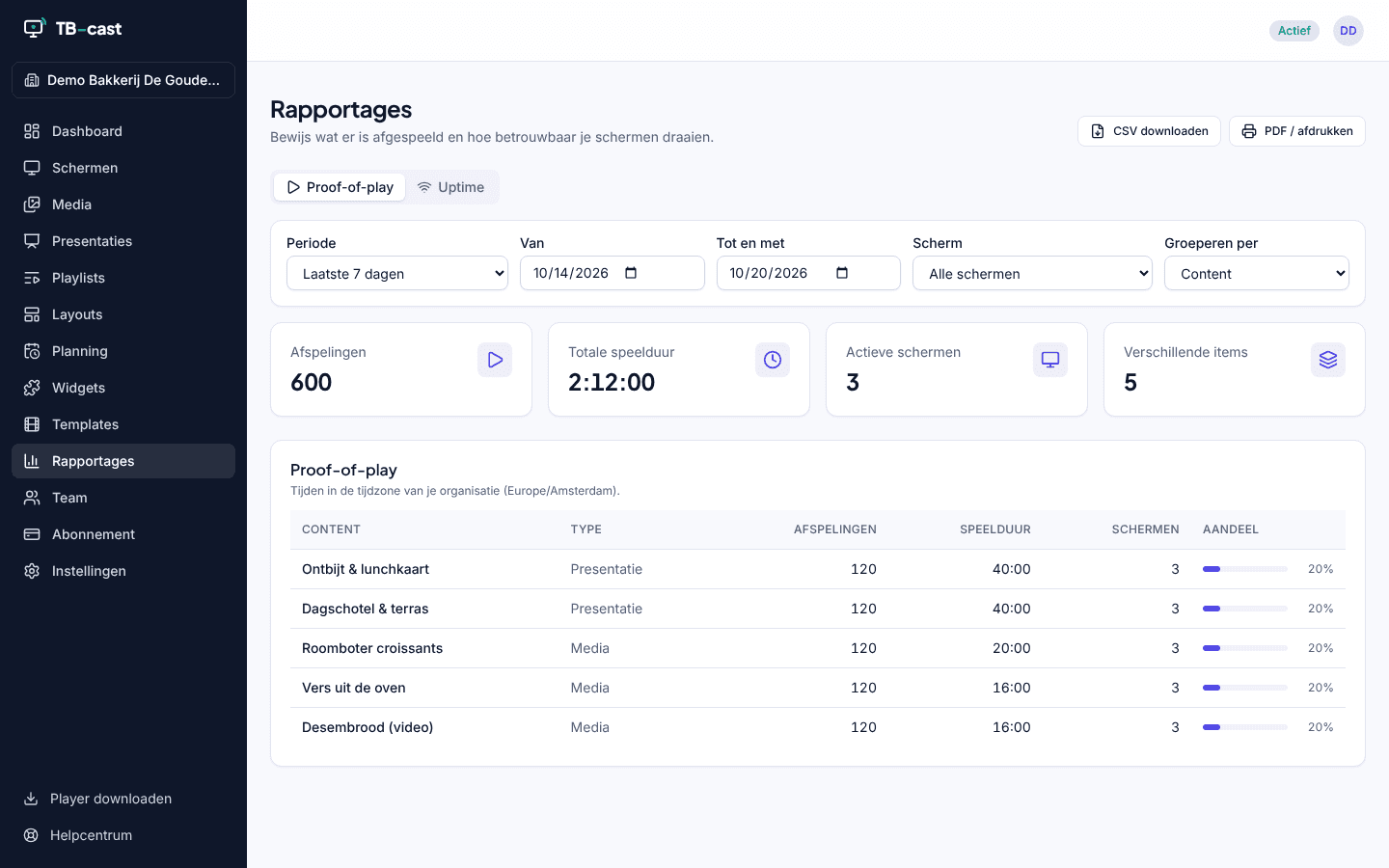
Reports
Know what played and how your screens are doing.
- Proof of play: which content, on which screen, how often
- Uptime per screen and per location
- CSV export for advertisers or management
Team & permissions
Collaborate without anyone accidentally changing the wrong screen.
- Roles: owner, admin, editor and viewer
- Unlimited users at no extra cost
- Sign in with email, magic link, Google or Microsoft
- Two-factor authentication (2FA)
- Audit log of every change
API & webhooks
Connect TB-cast to your own systems.
- REST API for screens, media, playlists and schedules
- Webhooks for events such as screen offline or content published
- API keys with limited permissions
- Ideal for POS systems, timetables and intranets
Security & GDPR
Privacy and security are never an afterthought.
- Data stored in data centres within the EU
- Encrypted connections (TLS) and encrypted storage
- Data processing agreement available as standard
- No tracking cookies on our website
- Strict separation between customer environments
Offline playback
Your screen keeps playing, even when the internet hiccups.
- Content is cached locally on the player
- Schedules keep working offline
- Automatic sync as soon as the connection returns
- Automatic restart after a power cut
See TB-cast in action
Real screenshots of the portal and the player, taken in the demo environment of the De Gouden Korst bakery.
Ready to make your screens smarter?
Try TB-cast free for 30 days with 1 screen. No credit card, no commitment.