Digital signage for growing businesses
Your screens, smartly managed — anywhere.
Manage every screen from one portal. Build presentations in the browser, schedule content by daypart and play on any device — from Raspberry Pi to smart TV.
No payment details needed · 1 screen free · cancel monthly
- Works on any screen
- Live in 10 minutes
- Data stays in the EU
Your screen could look like this too
- Bakkerij Voorbeeld
- Fitness Demo
- Café Testkade
- Kliniek Proef
- Studio Fictief
- Hotel Placeholder
Fictional example businesses for illustration
All in one portal
From upload to on-air, without the hassle
TB-cast brings together everything you need to run screens professionally — no separate tools, plug-ins or IT department required.
Remote screen management
Pair a screen with a six-character code. See what's playing live, take a screenshot or restart remotely.
Presentation editor
Design slides in your browser with text, images, video and widgets. Start from a template or from scratch.
Playlists & layouts
Combine content into playlists and split your screen into zones, for example for a ticker and a clock.
Daypart scheduling
Breakfast menu in the morning, lunch in the afternoon. Schedule by day, time and date — even past midnight.
Live widgets
Weather, clock, RSS, countdowns, QR codes, YouTube, queues and more. Always up to date, no manual work.
Plays offline too
Content is cached locally. If the internet drops, your screen just keeps playing.
How it works
Live in three steps
No installation partner needed. Got a screen and an internet connection? You'll be live within ten minutes.
- 1
Pair your screen
Open the player on your screen or install it on a Raspberry Pi. Enter the pairing code in the portal — done.
- 2
Create your content
Upload images and videos or build a presentation in the editor. Templates and widgets get you going fast.
- 3
Schedule and play
Assign content to screens or groups and schedule when it plays. Changes go live within seconds.
Platforms
One player, every device
Use the hardware you already own, or pick an affordable Raspberry Pi. Every player is managed centrally and updated automatically.
Raspberry Pi
Affordable, silent and efficient. Install with a single command.
Windows
Installer for mini PCs and existing computers.
Linux
AppImage, .deb or install script for x86 and ARM.
Browser & smart TV
Open the web player in any modern browser, including smart TVs.
Android
APK for Android TV boxes, sticks and tablets.
macOS
Universal app for Mac mini and iMac.
Solutions
Made for your industry
Whether you need a menu board, a waiting-room screen or an office dashboard: TB-cast adapts to your workplace.
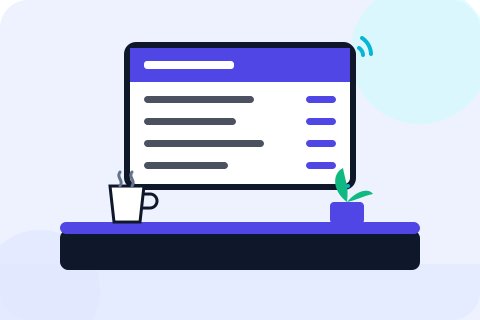
Hospitality
Digital menu boards that adapt to breakfast, lunch and dinner.
More about hospitality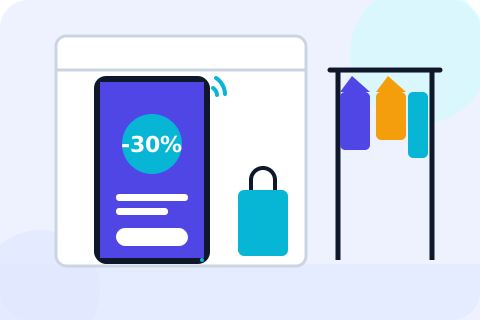
Retail
Promotions, new collections and window displays that sell.
More about retail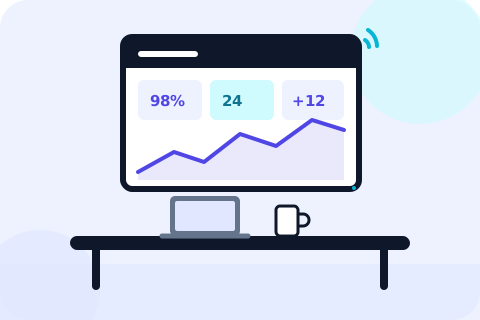
Office
Internal communication, dashboards and welcome screens.
More about office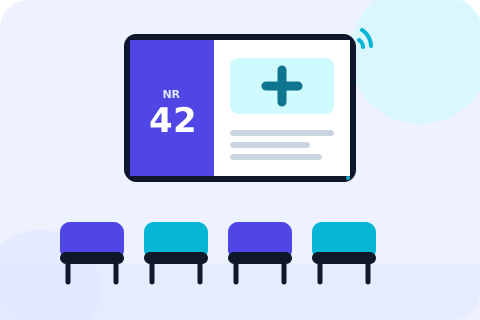
Healthcare
Calm waiting rooms, clear wayfinding and up-to-date information.
More about healthcare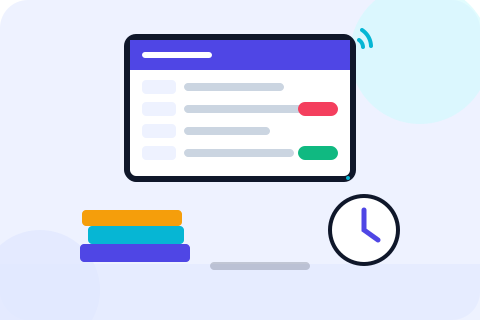
Education
Timetable changes, announcements and events for the whole school.
More about education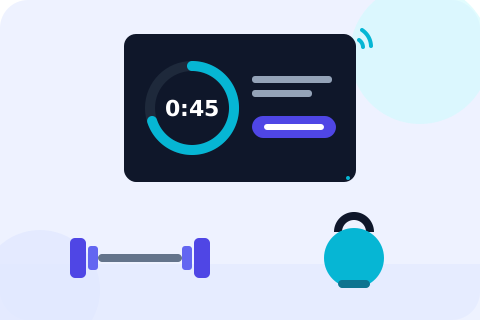
Fitness
Class schedules, workouts and member communication that motivate.
More about fitness
Pricing
One fair price per screen
One fair price per screen. No setup fees, cancel monthly.
- All features included
- Unlimited users
- No setup fees
- Cancel monthly
From
€7.50
per screen per month, excl. VAT
or €75.50 per year — two months free
- −10%10+ screens: −10% on every screen
- −20%50+ screens: −20% on every screen
FAQ
Good to know
Can't find your question? Send us a message
What hardware do I need?
A screen with an internet connection and a device that runs the player: a Raspberry Pi 4 or 5, a Windows, Linux or macOS computer, an Android TV stick or simply your smart TV’s browser. Our Hardware page has advice and all downloads.
How quickly is my first screen live?
Usually within ten minutes. Open the player on your screen, enter the pairing code in the portal and choose what should play. No installation partner needed.
Does my screen keep working if the internet goes down?
Yes. The player stores your content and schedule locally and keeps playing. As soon as the connection returns, changes are synchronised automatically.
Can I try TB-cast for free?
Absolutely. You can try TB-cast free for 30 days with one screen and every feature, without payment details. Afterwards you decide whether to continue.
Can I collaborate with colleagues?
Yes, you can invite unlimited users at no extra cost. Roles (owner, admin, editor, viewer) determine who can change what.
Where is my data stored?
In data centres within the European Union. We comply with the GDPR, offer a data processing agreement and use no tracking cookies on our website.
Am I locked into a contract?
No. A monthly subscription can be cancelled monthly and there are no setup fees. You can add or remove screens at any time.
Ready to make your screens smarter?
Try TB-cast free for 30 days with 1 screen. No credit card, no commitment.